
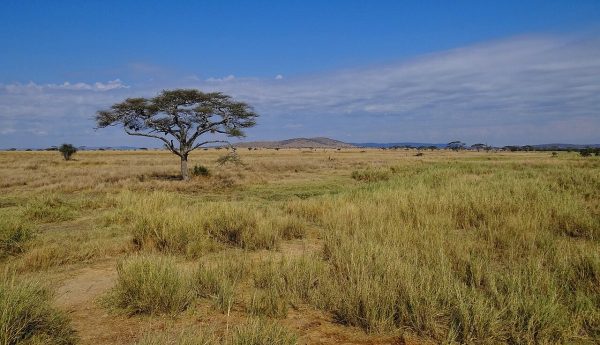
Stay connected in Tanzania with eSIM Tanzania
Landing in Tanzania and need internet right away? eSIM Tanzania gets you online in minutes with a digital data plan you install by scanning a QR code. Whether you are visiting the Serengeti or moving between the Serengeti, Ngorongoro, Arusha and Zanzibar, you can browse, navigate and message without hunting for Wi-Fi or paying expensive roaming fees.
Share migration sightings, book Zanzibar ferries and stay reachable between lodges.
Why choose an eSIM for Tanzania?
- Instant delivery: your QR code and setup guide arrive by email right after payment.
- Flexible plans: pick the Data allowance and Availability period that fits your trip, from short city breaks to longer stays.
- No physical SIM: nothing to collect, swap or lose – keep your regular SIM for calls and texts.
- Local network connection: connect to partner mobile networks in Tanzania for 4G/5G speeds where coverage is available.
- Hotspot friendly: share your connection with a laptop or travel companion (depending on your device and plan).
- Save money: avoid international roaming charges and tourist SIM markups.
How to choose your plan
Select a Data option and an Availability option from the dropdown menus above the Add to cart button. Availability is the number of days the plan stays valid after activation. If you are unsure, choose a little more data than you think you need – maps, ride-hailing and video calls add up quickly.
How to activate your eSIM Tanzania
- Complete your order and check your email for the QR code.
- Go to Settings > Cellular / Mobile Data > Add eSIM on your phone and scan the QR code.
- Turn on the new eSIM line and enable Data Roaming for it when you arrive in Tanzania.
Tip: install the eSIM before you leave home while you have Wi-Fi, then switch it on after landing.
Device compatibility
Your phone must be eSIM-compatible and carrier-unlocked. Most recent iPhones (XS and newer), Samsung Galaxy S20 and newer, Google Pixel 3 and newer, and many other models support eSIM. Please check your device settings before purchasing.
Frequently asked questions
Does this eSIM include a phone number?
No. It is a data-only plan. Use apps such as WhatsApp, iMessage, FaceTime or Skype for calls and messages.
When does my plan start?
The Availability period begins when the eSIM first connects to a network in Tanzania, so you can install it ahead of time.
Can I top up?
If you need more data, simply order another plan for Tanzania and install it as a new eSIM.
What if I need help?
Our support team is available to help with installation and connection questions.



Reviews
There are no reviews yet.